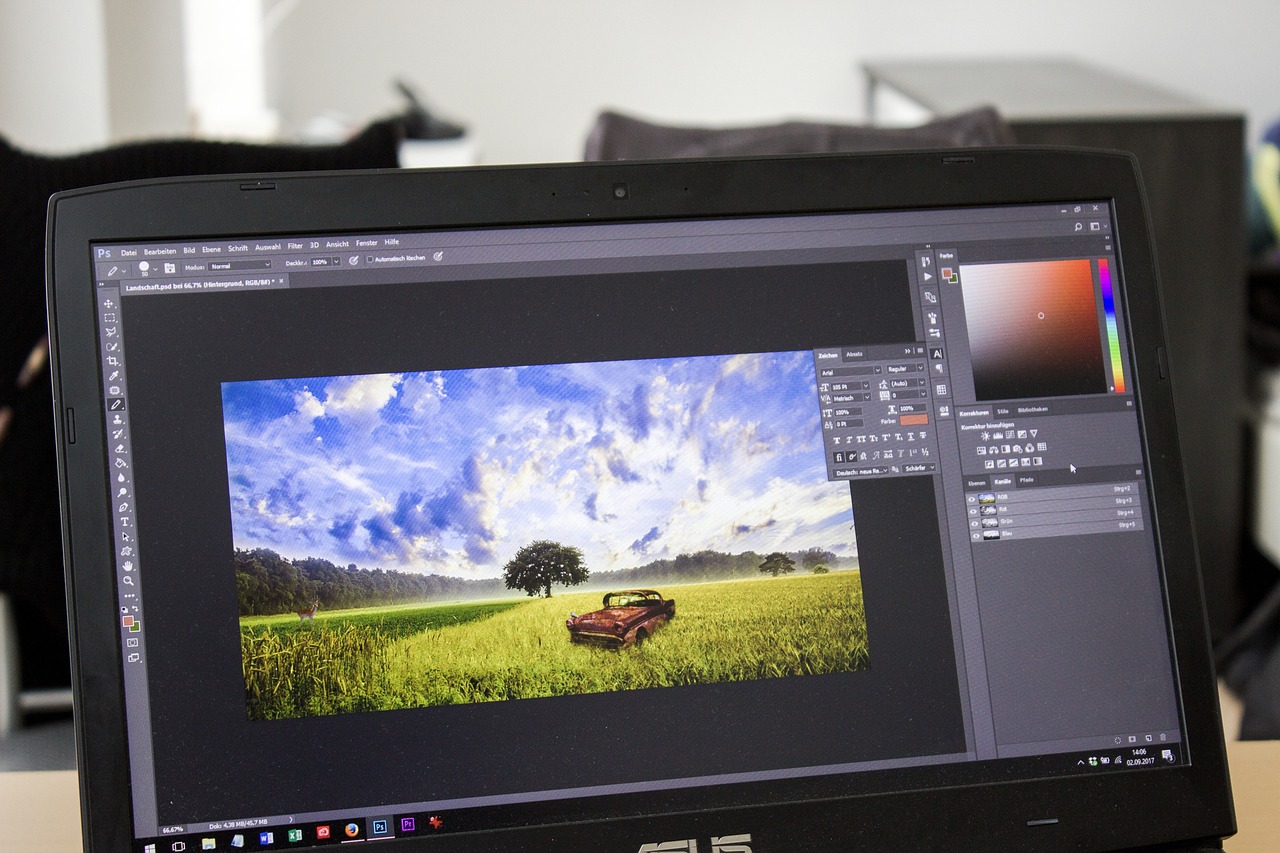
I still remember the day I decided to edit my first video, I was so excited to bring my ideas to life, but I had no idea where to start. I spent hours researching and trying out different video editing tools, until I finally found the ones that worked best for me. If you’re a beginner like I was, don’t worry if this sounds confusing at first, I’m here to guide you through the process. With the right tools and a bit of practice, you can create stunning videos that will impress your friends and family.
What is Video Editing?
So, what exactly is video editing? Think of it like cooking a meal, you have all the ingredients, but you need to put them together in the right order to create something delicious. Video editing is the process of taking raw footage, and turning it into a cohesive and engaging video. It involves cutting, trimming, and arranging clips, as well as adding music, transitions, and effects to create a polished final product.
Don’t worry if you’ve never edited a video before, it’s easier than you think, and with the right tools, you can create professional-looking videos in no time. Just like how a good chef uses the right kitchen tools to prepare a meal, a video editor uses software to bring their vision to life.
There are many different types of video editing, from simple cuts and transitions, to complex visual effects and color grading. As a beginner, you’ll want to start with the basics, and work your way up to more advanced techniques. Luckily, there are many video editing tools available that can help you get started, and I’ll be sharing some of the best ones with you Here.
Key Features to Look for in a Video Editing Tool
When it comes to choosing a video editing tool, there are a few key features to look for. First and foremost, you’ll want to consider the user interface, and how easy it is to navigate. Look for a tool that has a clean and intuitive design, with clear labels and minimal clutter. You’ll also want to consider the types of files the tool supports, and whether it can handle 4K video and other high-resolution formats.
Another important feature to look for is the tool’s editing capabilities. Can you trim and cut clips with ease? Are there a variety of transitions and effects available? Can you add text and logos to your video? These are all important questions to ask when evaluating a video editing tool. Additionally, consider the tool’s audio editing capabilities, and whether it has a built-in music library or support for external audio files.
Finally, think about the tool’s export options, and whether it can produce high-quality videos in a variety of formats. Can you export your video in HD, 4K, or even 3D? Are there options for customizing the video’s resolution, frame rate, and bitrate? These are all important considerations when choosing a video editing tool, and I’ll be covering some of the best tools that offer these features in the following sections.
Best Video Editing Tools for Beginners
So, what are the best video editing tools for beginners? In my opinion, some of the top contenders include iMovie, Adobe Premiere Elements, and DaVinci Resolve. These tools offer a great balance of ease of use, features, and affordability, making them perfect for beginners who are just starting out.
iMovie, for example, is a free video editing tool that comes pre-installed on Macs. It’s incredibly easy to use, with a simple and intuitive interface that makes it easy to import, edit, and export your videos. iMovie also has a great selection of templates and themes, which can help you get started with your project and add a professional touch to your video.
Adobe Premiere Elements, on the other hand, is a paid video editing tool that offers a lot more advanced features than iMovie. It has a steeper learning curve, but it’s still relatively easy to use, especially if you’re familiar with other Adobe products. Premiere Elements also has a great selection of effects and transitions, as well as a built-in music library and support for 4K video.
Free Video Editing Tools
If you’re on a tight budget, don’t worry, there are still plenty of free video editing tools available that can help you get started. Some of my favorites include Shotcut, Lightworks, and VSDC Free Video Editor. These tools may not have all the bells and whistles of paid video editing software, but they’re still incredibly powerful and can help you create professional-looking videos.
Shotcut, for example, is a free, open-source video editing tool that’s available for Windows, Mac, and Linux. It has a lot of advanced features, including support for 4K video, color correction, and audio editing. Shotcut also has a great selection of effects and transitions, as well as a built-in preview window that makes it easy to see how your video is coming along.
Lightworks, on the other hand, is a professional-level video editing tool that’s been used on many Hollywood films. It’s free to use, but it does have a steeper learning curve than some of the other tools on this list. Lightworks has a lot of advanced features, including support for 4K video, 3D editing, and multi-camera editing.
Mobile Video Editing Tools
These days, you don’t need a desktop computer to edit videos, there are many great mobile video editing tools available that can help you get the job done on the go. Some of my favorites include InShot, PowerDirector, and Adobe Premiere Rush. These tools are all available for both iOS and Android, and they offer a lot of the same features as their desktop counterparts.
InShot, for example, is a popular mobile video editing tool that’s known for its ease of use and advanced features. It has a great selection of effects and transitions, as well as support for 4K video and audio editing. InShot also has a built-in preview window that makes it easy to see how your video is coming along, and it exports videos in a variety of formats, including HD and 4K.
PowerDirector, on the other hand, is a mobile video editing tool that’s designed for more advanced users. It has a lot of the same features as desktop video editing software, including support for 4K video, 3D editing, and multi-camera editing. PowerDirector also has a great selection of effects and transitions, as well as a built-in music library and support for external audio files.
Tips and Tricks for Video Editing
Once you’ve chosen a video editing tool, it’s time to start editing. Here are a few tips and tricks to help you get started. First, make sure you have a clear idea of what you want to create, and plan out your video before you start editing. This will help you stay focused and ensure that your video flows well.
Next, pay attention to the pacing of your video, and make sure it’s not too slow or too fast. You want to keep your viewers engaged, so experiment with different editing techniques, such as cutting, trimming, and transitions, to find the right rhythm for your video.
Finally, don’t be afraid to experiment and try new things. Video editing is all about creativity and self-expression, so don’t be afraid to think outside the box and try new techniques. And don’t worry if your first few videos aren’t perfect, it takes time and practice to develop your skills, and the most important thing is to have fun and enjoy the process.
Common Mistakes to Avoid in Video Editing
As a beginner, it’s easy to make mistakes in video editing, but don’t worry, I’ve got you covered. Here are a few common mistakes to avoid, and how to fix them. First, make sure you’re not overusing transitions and effects, as these can be distracting and take away from the overall impact of your video.
Next, pay attention to the audio levels in your video, and make sure they’re not too loud or too soft. You want to create a balanced audio mix that complements the visuals in your video, so experiment with different audio levels and effects to find the right balance.
Finally, don’t forget to save your work regularly, and make sure you have a backup of your project in case something goes wrong. Video editing can be time-consuming, so it’s frustrating to lose your work due to a technical issue or other mistake. By following these tips, you can avoid common mistakes and create professional-looking videos that you’ll be proud of.
So, there you have it, my guide to the best video editing tools for beginners. I hope you found this article helpful, and that you’re now ready to start creating your own stunning videos. Remember, video editing is all about creativity and self-expression, so don’t be afraid to experiment and try new things. With practice and patience, you can develop your skills and create professional-looking videos that will impress your friends and family. So, what are you waiting for, get out there and start editing, and most importantly, have fun!


Leave a Reply