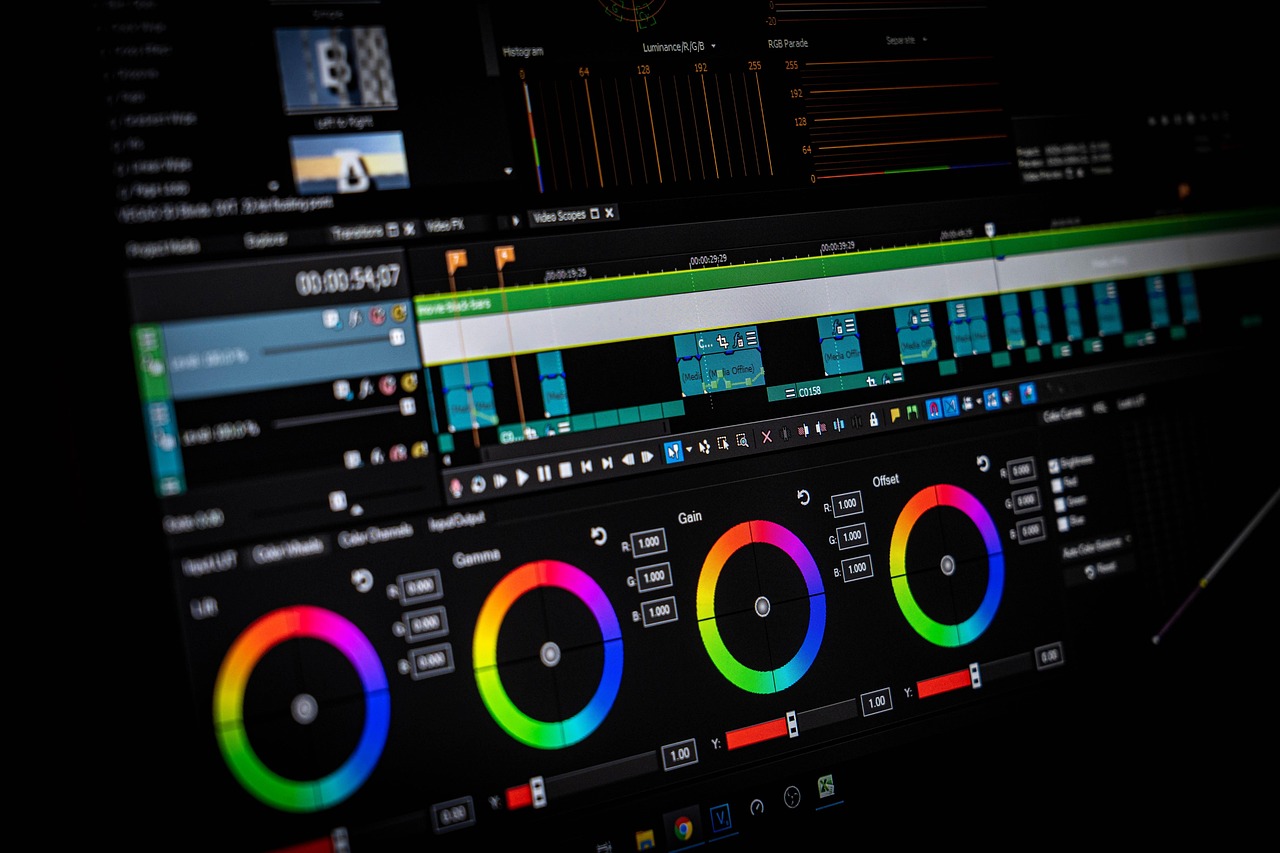
I still remember my first attempt at video editing like it was yesterday – I spent hours trying to figure out how to trim a single clip, and it was a frustrating experience that left me wondering if I’d ever master the craft. But with the right tools and a bit of practice, I was able to create videos that I was proud of, and that’s exactly what I want to share with you. The best video editing tools for beginners are not just about the software, but about the community, the support, and the ease of use. I’ve tried numerous tools over the years, and I’ve found that some of the most popular options are not always the best for those just starting out.
What Makes a Good Video Editing Tool for Beginners?
When I first started looking for video editing software, I was overwhelmed by the number of options available – there are so many different platforms, each with its own unique features and pricing plans. But as I began to experiment with different tools, I realized that there are a few key factors that set the best video editing tools for beginners apart from the rest. First and foremost, the software should be easy to use, with an intuitive interface that makes it simple to navigate and find the features you need. I’ve found that tools with a gentle learning curve are essential for beginners, as they allow you to start creating videos right away, without getting bogged down in complicated menus and settings.
Another important factor is cost – as a beginner, you may not have a lot of money to invest in video editing software, so it’s essential to find tools that are affordable, or even free. I’ve been surprised by the quality of some of the free video editing software available, and I’ve found that many of these tools offer features and functionality that are comparable to their paid counterparts. Finally, the best video editing tools for beginners should also offer good customer support, with resources such as tutorials, forums, and FAQs that can help you get started and resolve any issues that may arise.
Free Video Editing Software for Beginners
One of the best things about getting started with video editing is that you don't have to break the bank – there are many free video editing software options available, each with its own unique features and capabilities. I’ve tried out several of these tools, and I’ve been impressed by the quality and functionality of many of them. For example, I’ve used Shotcut to edit videos for my YouTube channel, and I’ve found it to be incredibly powerful and flexible, with a wide range of features and effects that make it easy to create professional-looking videos.
Another free video editing software that I’ve used is Lightworks, which offers a wide range of advanced features and tools, including multi-camera editing and color correction. I’ve also used VSDC Free Video Editor, which offers a non-linear editing system and a wide range of visual effects, and I’ve been impressed by the quality and flexibility of this software. Of course, as with any free software, there are some limitations and drawbacks – for example, some of these tools may have watermarks or time limits on the free version, or they may not offer the same level of support as paid software.
Paid Video Editing Software for Beginners
While free video editing software can be a great way to get started, there are also many paid options available that offer more advanced features and functionality. I’ve tried out several of these tools, and I’ve been impressed by the quality and flexibility of many of them. For example, I’ve used Adobe Premiere Elements to edit videos for my business, and I’ve found it to be incredibly powerful and easy to use, with a wide range of features and effects that make it simple to create professional-looking videos.
Another paid video editing software that I’ve used is CyberLink PowerDirector, which offers a wide range of advanced features and tools, including 360-degree video editing and motion tracking. I’ve also used Magix Movie Edit Pro, which offers a wide range of visual effects and color correction tools, and I’ve been impressed by the quality and flexibility of this software. Of course, as with any paid software, there are some drawbacks – for example, these tools can be expensive, especially if you’re just starting out, and they may require a significant investment of time and money to learn and master.
Video Editing Apps for Beginners
In addition to desktop video editing software, there are also many video editing apps available that can be used on smartphones and tablets. I’ve tried out several of these apps, and I’ve been impressed by the quality and functionality of many of them. For example, I’ve used iMovie to edit videos on my iPhone, and I’ve found it to be incredibly easy to use, with a wide range of features and effects that make it simple to create professional-looking videos.
Another video editing app that I’ve used is Adobe Premiere Rush, which offers a wide range of advanced features and tools, including multi-camera editing and color correction. I’ve also used Filmic Pro, which offers a wide range of manual controls and features, including exposure compensation and focus peaking, and I’ve been impressed by the quality and flexibility of this app. Of course, as with any app, there are some limitations and drawbacks – for example, these tools may not offer the same level of functionality as desktop software, and they may be more difficult to use on smaller screens.
What to Look for in a Video Editing Tool
When I’m evaluating a video editing tool, there are several factors that I consider – first and foremost, I look at the features and functionality of the software, and I consider whether they meet my needs and goals. I also look at the ease of use, and I consider whether the interface is intuitive and easy to navigate. I’ve found that tools with a gentle learning curve are essential for beginners, as they allow you to start creating videos right away, without getting bogged down in complicated menus and settings.
I also consider the cost of the software, and I evaluate whether it’s affordable and offers good value for the price. I’ve been surprised by the quality of some of the free video editing software available, and I’ve found that many of these tools offer features and functionality that are comparable to their paid counterparts. Finally, I look at the customer support, and I consider whether the software offers good resources and assistance, including tutorials, forums, and FAQs.
Tips for Getting Started with Video Editing
When I first started video editing, I was overwhelmed by the number of options and features available – it seemed like there were a million different things to learn, and I didn’t know where to start. But as I began to experiment and practice, I realized that video editing is actually quite straightforward, and that the key to success is to start simple and build gradually. I’ve found that it’s essential to start with short, simple projects, and to gradually work your way up to more complex and ambitious endeavors.
I’ve also found that it’s essential to practice regularly, and to continually challenge yourself to try new things and learn new skills. I’ve been surprised by how quickly I was able to improve my video editing skills, and I’ve found that the more I practice, the more confident and competent I become. Of course, as with any skill, there are also some common mistakes to avoid – for example, it’s easy to get bogged down in perfectionism, and to spend too much time on a single project. But by starting simple, practicing regularly, and being patient and persistent, you can overcome these challenges and become a skilled video editor.
Conclusion and Final Thoughts
I still remember the first time I created a video that I was really proud of – it was a short film that I made for my family, and it was a huge hit. I was amazed by how much I had learned, and by how much I had enjoyed the process of creating something from scratch. And that’s exactly what I want to share with you – the joy and satisfaction of creating something with video editing, and the sense of pride and accomplishment that comes from bringing your ideas to life. So don’t be afraid to get started, and don’t be discouraged if it takes time and practice to develop your skills. With the right tools and a bit of patience, you can create stunning videos that will amaze and inspire your friends and family.


Leave a Reply