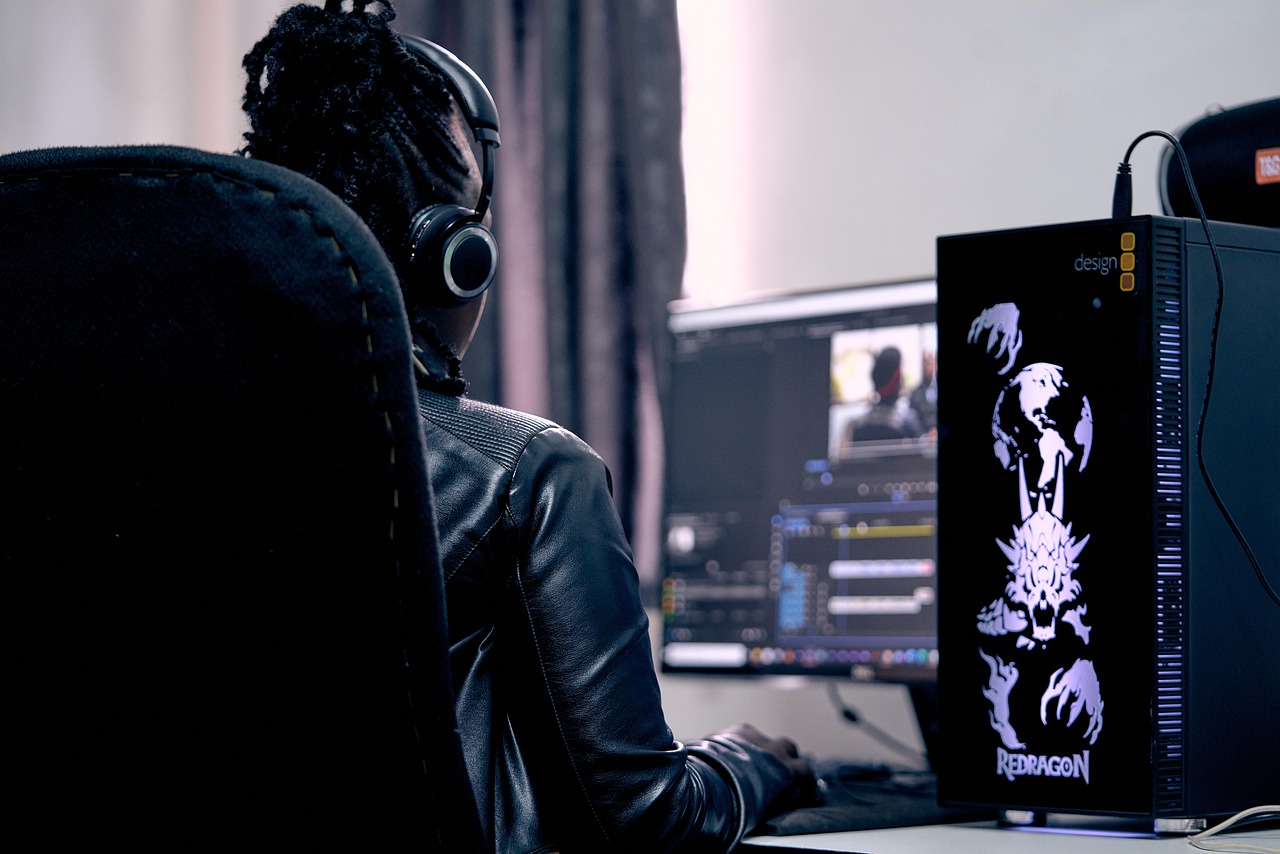
Imagine you're a filmmaker, creating stunning videos that captivate your audience and leave a lasting impression. You don’t need to be a professional to achieve this, thanks to the numerous video editing tools available today. With the right software and a bit of practice, you can produce high-quality videos that rival those of experienced editors. Don’t worry if this sounds confusing at first – I’m here to guide you through the process and debunk some common myths about video editing.
Understanding Video Editing Basics
Before we dive into the best video editing tools, let’s cover the basics. Video editing involves taking raw footage and turning it into a polished, cohesive video. This includes tasks like trimming clips, adding transitions, and adjusting audio levels. Think of video editing like cooking a meal – you take individual ingredients and combine them to create a delicious dish. In this case, your ingredients are video clips, and your dish is the final edited video.
One common myth about video editing is that it requires expensive software. While professional-grade tools like Adobe Premiere Pro and Avid Media Composer are popular among industry professionals, there are many affordable alternatives available for beginners. For example, iMovie and DaVinci Resolve are free or low-cost options that offer many of the same features as their pricey counterparts.
Another myth is that video editing is only for tech-savvy individuals. While it’s true that video editing involves working with software, many modern tools are designed to be user-friendly and accessible to beginners. Don’t worry if you’re not familiar with technical terms like “rendering” or “color grading” – you can learn as you go and still produce amazing videos.
Choosing the Right Video Editing Software
With so many video editing tools available, it can be overwhelming to choose the right one. When selecting software, consider your goals, skill level, and budget. If you’re just starting out, look for tools with a gentle learning curve and a free or low-cost trial period. This will allow you to experiment with different software and find the one that works best for you.
For example, if you’re a Mac user, iMovie is a great place to start. It’s free, easy to use, and comes pre-installed on many Apple devices. If you’re using a Windows computer, consider tools like Shotcut or Lightworks – both offer a range of features and are relatively affordable.
When evaluating video editing software, pay attention to the interface and overall user experience. Look for tools with a clean, intuitive design and features like drag-and-drop functionality and real-time previews. This will make it easier to learn and use the software, even if you have no prior experience.
DaVinci Resolve: A Powerful Free Option
DaVinci Resolve is a popular video editing tool that’s free to download and use. It’s available for both Mac and Windows computers and offers many advanced features, including color grading and audio editing. One of the best things about DaVinci Resolve is its flexibility – you can use it for everything from simple edits to complex, multi-camera projects.
DaVinci Resolve also includes a range of effects and transitions, making it easy to add polish to your videos. You can choose from a variety of presets or create your own custom effects using the software’s built-in tools. This level of control and flexibility is rare in free video editing software, making DaVinci Resolve a great choice for beginners and experienced editors alike.
While DaVinci Resolve is free, it does offer a paid upgrade called DaVinci Resolve Studio. This includes additional features like 3D editing and advanced noise reduction. However, the free version is more than sufficient for most beginners and hobbyists, and you can always upgrade later if you need more advanced features.
Shotcut: A Flexible and Customizable Option
Shotcut is another popular video editing tool that’s free to download and use. It’s available for Mac, Windows, and Linux computers and offers a range of features, including support for 4K video and 360-degree editing. One of the best things about Shotcut is its flexibility – you can customize the interface to suit your needs and preferences.
Shotcut also includes a range of effects and transitions, making it easy to add polish to your videos. You can choose from a variety of presets or create your own custom effects using the software’s built-in tools. Shotcut also supports a wide range of file formats, including MP4, AVI, and MOV, making it easy to work with footage from different cameras and devices.
While Shotcut is free, it does offer a paid upgrade called Shotcut Pro. This includes additional features like advanced color grading and audio editing. However, the free version is more than sufficient for most beginners and hobbyists, and you can always upgrade later if you need more advanced features.
Common Video Editing Mistakes to Avoid
When you’re just starting out with video editing, it’s easy to make mistakes that can ruin your final product. One common mistake is overusing transitions and effects. While these can add polish to your videos, too many can be distracting and take away from the overall message.
Another mistake is not paying attention to audio levels. If your audio is too loud or too quiet, it can be jarring and unpleasant to listen to. Make sure to adjust your audio levels carefully and use features like noise reduction to minimize background noise.
Finally, don’t forget to save your work regularly. Video editing can be a time-consuming process, and losing your work due to a technical issue or power outage can be frustrating. Make sure to save your project frequently and consider using a cloud-based storage service to back up your files.
Advanced Video Editing Techniques
Once you’ve mastered the basics of video editing, you can start experimenting with more advanced techniques. One technique is color grading, which involves adjusting the color and brightness of your footage to create a specific mood or atmosphere. This can be done using tools like DaVinci Resolve or Adobe Premiere Pro.
Another technique is multi-camera editing, which involves working with footage from multiple cameras. This can be useful for creating complex, dynamic scenes and can add a lot of visual interest to your videos. To use multi-camera editing, you’ll need software that supports this feature, such as DaVinci Resolve or Adobe Premiere Pro.
Finally, consider experimenting with motion graphics and animation. These can add a lot of polish to your videos and can be used to create everything from simple titles to complex, 3D animations. Many video editing tools, including DaVinci Resolve and Adobe After Effects, offer built-in motion graphics and animation tools.
Conclusion and Next Steps
Video editing is a fun and creative process that can be rewarding for beginners and experienced editors alike. By choosing the right software and following some basic tips and techniques, you can create stunning videos that captivate your audience and leave a lasting impression. Don’t be afraid to experiment and try new things – and don’t worry if you make mistakes along the way.
Remember, the key to successful video editing is practice and patience. The more you edit, the more comfortable you’ll become with the software and the better your videos will be. So don’t be discouraged if your first few projects don’t turn out as well as you’d like – just keep at it, and you’ll soon be creating amazing videos like a pro.
So why not get started today? With the right tools and a bit of practice, you can create stunning videos that showcase your creativity and talents. Whether you’re a beginner or an experienced editor, there’s always room to learn and grow – and with the many resources available online, you can stay up-to-date with the latest trends and techniques in video editing.


Leave a Reply