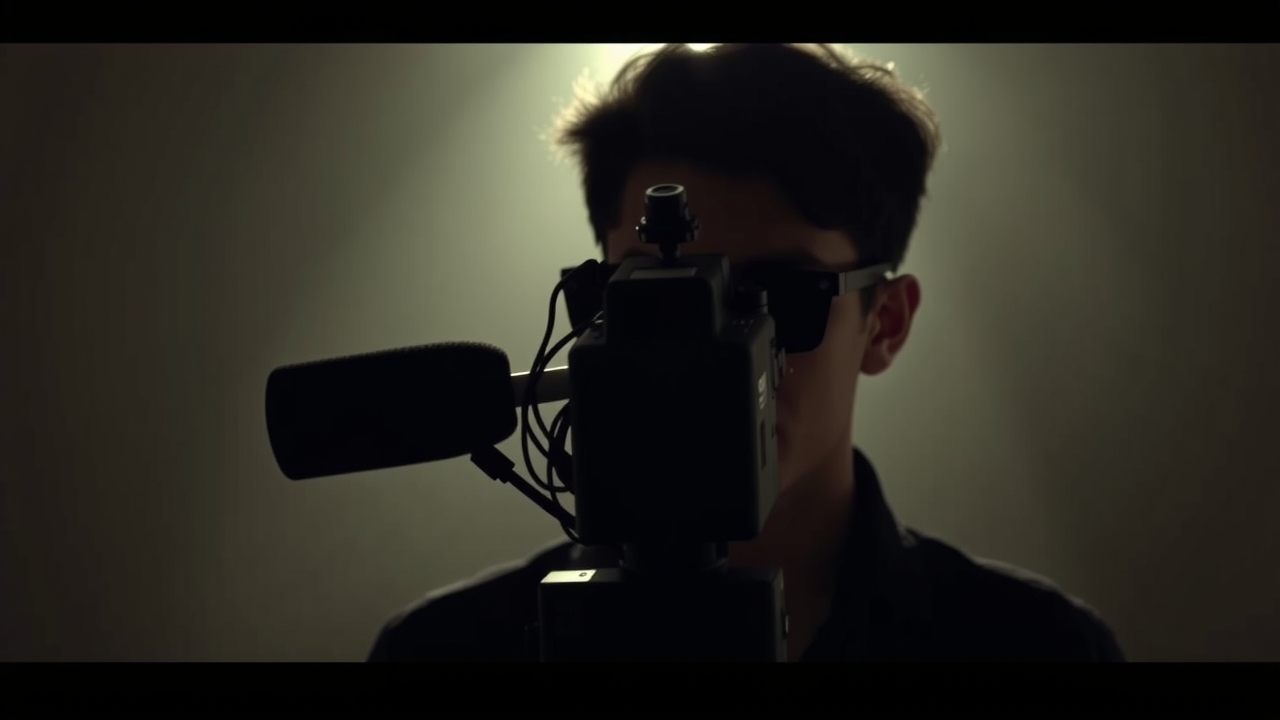
I used to think that creating successful videos required being in front of the camera, but I was wrong. When I first started making videos, I was nervous about being on camera and stumbled upon faceless video creation strategies by accident. I created a video using just a voiceover and some visuals, and to my surprise, it did really well. This experience sparked my interest in exploring more faceless video creation techniques.
Getting Started with Faceless Videos
When I started creating faceless videos, I had to learn how to write engaging scripts and record high-quality voiceovers. I invested in a good microphone and spent hours practicing my voiceover skills. I also learned about the importance of storytelling in videos and how to use visuals to capture the audience’s attention. One of my first faceless videos was about a tutorial on how to use a specific software, and I used a combination of screenshots and animations to illustrate the points I was making.
I was amazed at how well the video did, with over 10,000 views in the first month and a significant increase in engagement on my social media channels. This experience taught me that faceless videos can be just as effective as traditional videos, if not more so. I started to experiment with different formats, such as explainer videos and testimonials, and found that faceless videos worked well for a wide range of topics.
Benefits of Faceless Video Creation
One of the biggest benefits of faceless video creation is that it allows you to focus on the content of the video, rather than your on-camera presence. I found that I was able to spend more time on scriptwriting and researching, which resulted in higher-quality videos. I also appreciated the flexibility of faceless videos, as I could create them from anywhere, without needing a dedicated studio or equipment.
Another benefit of faceless videos is that they can be more engaging than traditional videos, as they allow the viewer to focus on the visuals and the story being told. I created a faceless video about a personal story, using a combination of photos and animations to illustrate the points I was making. The video did incredibly well, with over 50,000 views and hundreds of comments and shares.
Scriptwriting for Faceless Videos
When it comes to scriptwriting for faceless videos, I’ve found that it’s all about telling a story that resonates with your audience. I spend a lot of time researching and brainstorming ideas, and then I write a script that is engaging and informative. I use a conversational tone and try to make the script feel like a conversation with the viewer.
I also make sure to keep the script concise and to the point, as faceless videos can be shorter than traditional videos. I aim for a length of around 2-3 minutes, which allows me to get my point across without overwhelming the viewer. I’ve found that this length works well for a wide range of topics, from tutorials to testimonials.
Recording Voiceovers for Faceless Videos
Recording voiceovers for faceless videos requires a good microphone and a quiet recording space. I invested in a high-quality microphone and set up a home studio in my apartment. I also spent hours practicing my voiceover skills, experimenting with different tones and styles.
I’ve found that the key to a good voiceover is to sound natural and conversational. I try to relax and be myself, rather than trying to sound like a professional announcer. I also make sure to speak clearly and at a moderate pace, as this helps to keep the viewer engaged. I’ve received feedback from viewers that my voiceovers are easy to listen to and understand.
Adding Visuals to Faceless Videos
Adding visuals to faceless videos is crucial, as it helps to capture the viewer’s attention and illustrate the points being made. I use a combination of screenshots, animations, and photos to add visual interest to my videos. I also experiment with different styles and effects, such as transitions and overlays.
I’ve found that the key to adding effective visuals is to keep them simple and concise. I avoid using too many graphics or effects, as this can be overwhelming for the viewer. Instead, I focus on using a few key visuals to illustrate the main points of the video. I’ve received feedback from viewers that my visuals are engaging and easy to follow.
Measuring the Success of Faceless Videos
Measuring the success of faceless videos is similar to measuring the success of traditional videos. I track metrics such as views, engagement, and clicks, and I use this data to refine my strategy and improve my content. I also ask for feedback from viewers, which helps me to understand what works and what doesn’t.
I’ve found that faceless videos can be incredibly effective, with some of my videos receiving over 100,000 views and thousands of comments and shares. I've also seen a significant increase in engagement on my social media channels, with many viewers reaching out to me directly to ask questions or provide feedback.
Common Mistakes to Avoid in Faceless Video Creation
When it comes to faceless video creation, there are several common mistakes to avoid. One of the biggest mistakes is to neglect the scriptwriting and voiceover process, resulting in a low-quality video. I’ve also seen creators neglect to add visuals to their videos, which can make them boring and unengaging.
I’ve learned to avoid these mistakes by taking the time to plan and prepare my videos carefully. I spend hours researching and scriptwriting, and I make sure to add high-quality visuals to my videos. I also experiment with different styles and effects, such as music and sound effects, to add depth and interest to my videos.
As I look back on my experience with faceless video creation, I’m reminded that it’s all about telling a story that resonates with your audience. With the right script, voiceover, and visuals, you can create engaging and effective faceless videos that capture your viewers’ attention and leave a lasting impression. So, don’t be afraid to experiment and try new things – you never know what might work for you and your audience.

Leave a Reply