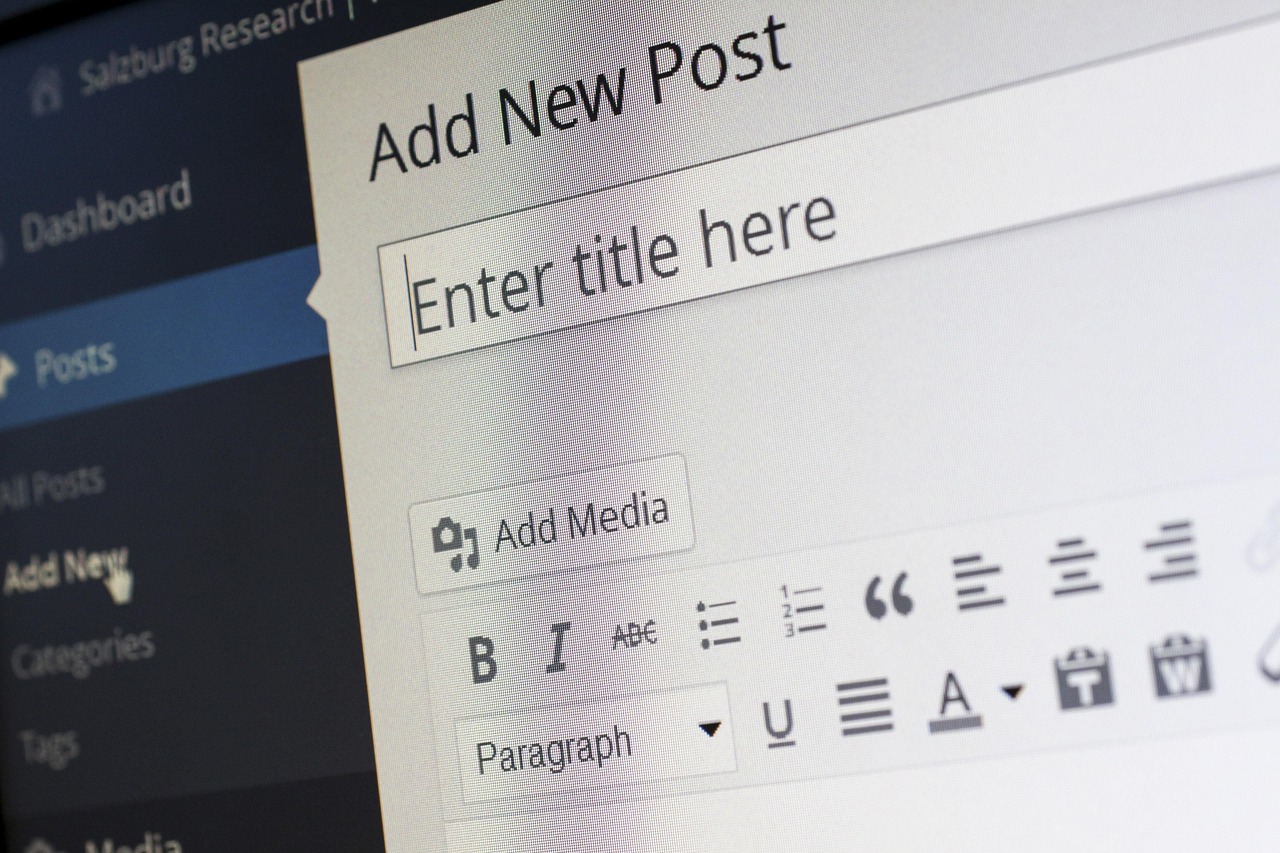
I still remember the day I decided to create my first website – I was sitting in a small coffee shop, surrounded by the hustle and bustle of people typing away on their laptops. I had a great idea for a blog, but I had no idea where to start. I didn’t know how to code, and the thought of designing a website from scratch seemed overwhelming. But then I stumbled upon a website builder that changed everything. It was easy to use, intuitive, and required no coding knowledge whatsoever.
As I began to explore the world of website builders, I realized that there were many options available, each with their own unique features and pricing plans. Some were geared towards beginners, while others were more suited for experienced developers. Here, I’ll share my findings with you, and help you discover the best website builders for beginners.
Don’t worry if this sounds confusing at first – building a website can seem like a daunting task, but trust me, it’s easier than you think. With the right tools and a bit of patience, you can create a professional-looking website in no time. So, let’s get started!
What is a Website Builder?
A website builder is a tool that allows you to create a website without needing to know how to code. Think of it like a Lego set – you can use pre-made blocks to build your website, without needing to create each block from scratch. Website builders usually come with a range of templates and drag-and-drop tools, making it easy to customize your site and add content.
There are many different types of website builders available, ranging from simple drag-and-drop tools to more complex content management systems. Some popular examples include Wix, Squarespace, and WordPress. Each has its own strengths and weaknesses, and the right one for you will depend on your specific needs and goals.
For example, if you’re looking to create a simple blog or portfolio site, a drag-and-drop website builder like Wix or Squarespace might be a good choice. These tools are easy to use and require no coding knowledge, but they can be limited in terms of customization and flexibility. On the other hand, if you’re looking to create a more complex site with multiple pages and features, a content management system like WordPress might be a better option.
Features to Look for in a Website Builder
When choosing a website builder, there are several features to look for. First and foremost, you’ll want to consider the ease of use – can you easily create and customize your site, or does it require a lot of technical knowledge? You’ll also want to think about the range of templates and designs available – can you find a template that fits your brand and style, or will you need to start from scratch?
Another important feature to consider is the level of customization and flexibility. Can you easily add or remove pages, or change the layout and design of your site? Are there any limitations or restrictions on the types of content you can add, such as videos or audio files? You’ll also want to think about the level of support and customer service offered – is there a comprehensive knowledge base, or can you easily get in touch with a support team if you have questions or need help?
Finally, you’ll want to consider the pricing plan and any costs associated with using the website builder. Are there any free plans available, or will you need to pay a monthly or annual fee? Are there any additional costs for things like hosting, domain registration, or e-commerce functionality? For example, Wix offers a range of pricing plans, starting at around $14 per month for a basic site, while Squarespace starts at around $14 per month for a personal site.
Best Website Builders for Beginners
So, which website builders are best for beginners? Based on my research and experience, I would recommend the following options: Wix, Squarespace, and Weebly. Each of these website builders offers a range of features and templates, and is easy to use and customize.
Wix is a great option for beginners, with a range of templates and a drag-and-drop editor that makes it easy to create and customize your site. It also offers a range of pricing plans, starting at around $14 per month for a basic site. Squarespace is another popular option, with a range of templates and a user-friendly interface. It’s a bit more expensive than Wix, with pricing plans starting at around $14 per month for a personal site.
Weebly is another great option for beginners, with a range of templates and a drag-and-drop editor. It’s also very affordable, with pricing plans starting at around $12 per month for a basic site. Weebly also offers a range of e-commerce features, making it a great option for online stores and businesses.
How to Choose the Right Website Builder
So, how do you choose the right website builder for your needs? The first step is to think about your goals and what you want to achieve with your website. Are you looking to create a simple blog or portfolio site, or do you need a more complex site with multiple pages and features?
Once you have a clear idea of what you want to achieve, you can start to research and compare different website builders. Look for features such as ease of use, customization and flexibility, and pricing plans. You should also read reviews and testimonials from other users, to get a sense of which website builders are the most reliable and user-friendly.
It’s also a good idea to try out a few different website builders, to see which one feels most intuitive and easy to use. Most website builders offer a free trial or demo, so you can test out the features and see if it’s a good fit for your needs. For example, Wix offers a 14-day free trial, while Squarespace offers a 14-day free trial.
Common Mistakes to Avoid
When creating a website with a website builder, there are several common mistakes to avoid. One of the most common mistakes is not planning ahead – it’s easy to get caught up in the excitement of creating a website, but it’s essential to take the time to think about your goals and what you want to achieve.
Another common mistake is not choosing the right template or design. With so many templates and designs available, it can be tempting to choose one that looks great, but doesn’t necessarily fit your brand or style. Take the time to browse through the available templates, and choose one that aligns with your goals and values.
Finally, don’t be afraid to ask for help if you need it. Most website builders offer comprehensive support and customer service, so don’t hesitate to reach out if you have questions or need assistance. Whether it’s a simple question about how to use a feature, or a more complex issue with your site, the support team is there to help.
Tips and Tricks for Success
So, how can you ensure success with your website? One of the most important things is to keep it simple and focused. Don’t try to cram too much information onto your site, or use too many complicated features. Instead, focus on creating a clear and concise message, and use simple and easy-to-use features to convey it.
Another key to success is to keep your site up-to-date and fresh. This means regularly updating your content, and adding new features and functionality as needed. It also means keeping your site secure, and protecting it against hacking and other forms of cyber attack.
Finally, don’t be afraid to experiment and try new things. Website builders are constantly evolving, and new features and functionality are being added all the time. Don’t be afraid to try out new features, and see what works best for your site and your audience.
Conclusion and Next Steps
Creating a website with a website builder can seem like a daunting task, but it’s easier than you think. With the right tools and a bit of patience, you can create a professional-looking website in no time. Remember to choose the right website builder for your needs, and don’t be afraid to ask for help if you need it.
Don’t worry if your website isn’t perfect at first – it’s okay to make mistakes and learn as you go. The most important thing is to have fun and be creative, and to enjoy the process of building and growing your online presence. With the right mindset and the right tools, you can achieve anything you set your mind to.
So, what are you waiting for? Get started today, and see where your website takes you. You never know what opportunities and adventures await you, and with the right website builder by your side, you’ll be ready for anything that comes your way.


Leave a Reply